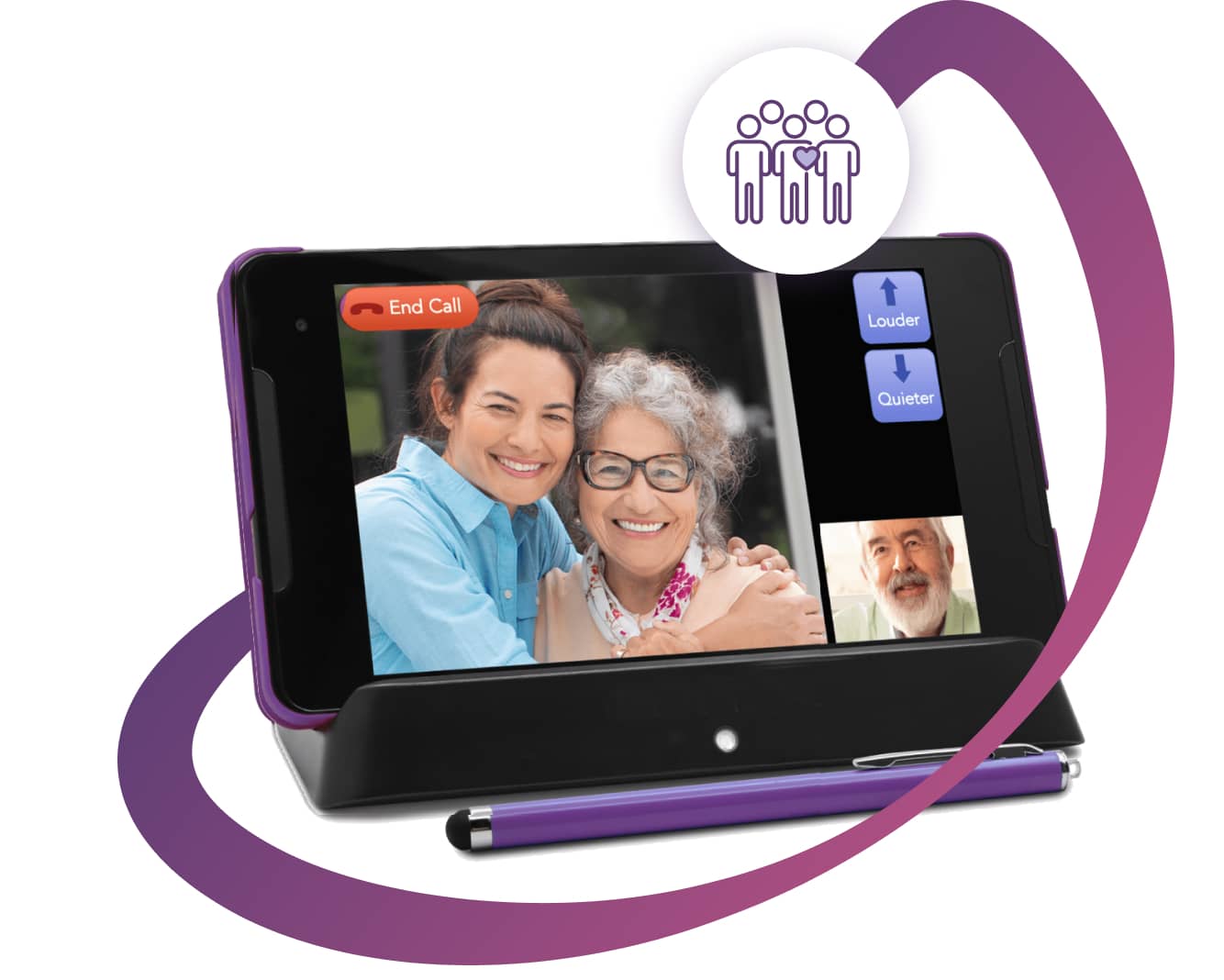
The digital age has introduced a wealth of opportunities for connectivity and convenience, particularly for older adults. However, navigating the ever-evolving landscape of technology can present challenges for elderly individuals who may not be as familiar with modern devices and software. User-friendly software tailored to the needs of elderly tech users can significantly enhance their experience and allow for greater independence and engagement with the digital world. This article explores the key elements of such software and provides insights into essential features that cater to the senior demographic.
Key Features of User-Friendly Software for Seniors
Designing software for elderly individuals requires consideration of various factors to ensure accessibility and ease of use. The following features are critical in creating an optimal experience for senior tech users:
- Simple and Intuitive Interface: Software should have a clean interface with large icons and straightforward navigation. This helps reduce confusion and enhances the user experience.
- Customization Options: Allowing users to customize text size, contrast, and other visual elements can cater to individuals with varying levels of vision and cognitive abilities.
- Clear Instructions and Feedback: Providing clear, step-by-step instructions and immediate feedback can help users feel more confident and supported while using the software.
- Voice Commands and Assistance: Incorporating voice recognition and assistance technology can be beneficial for users who may have difficulty typing or using touch interfaces.
Benefits of Technology for Elderly Users
Adopting technology can offer numerous benefits to elderly users, fostering a sense of independence and enhancing their quality of life. Here are some advantages:
- Enhanced Communication: Software designed for elderly users can facilitate communication with family and friends, making it easier to stay connected and engaged.
- Access to Information: Technology provides access to a wealth of information, helping seniors stay informed and entertained.
- Health and Wellness Monitoring: Many applications offer features that track and remind users about medications, appointments, and other health-related activities.
Choosing the Right Software
Selecting the appropriate software for elderly computer users involves assessing the specific needs and preferences of the user. Consider the following when making a choice:
- Ease of Use: Ensure the software is easy to navigate and understand. Look for products with positive reviews from other elderly users.
- Support and Resources: Availability of customer support and educational resources can be crucial for troubleshooting and learning.
- Compatibility and Requirements: Check compatibility with existing devices and any additional hardware requirements.
Conclusion
The right software can empower elderly individuals to embrace technology and enjoy the benefits it offers. By focusing on accessibility, ease of use, and personalized features, software developers can create products that cater to the unique needs of senior tech users. Exploring options that prioritize these elements will ensure a more inclusive and engaging digital experience for the elderly population.